

BMW Z3 Camshaft Position Sensor Parts
Showing 9 out of 9 part(s) found in our catalog.
Brand
Keyword
Subcategory
Mon-Fri 8-4 MST/PST (Arizona Time)

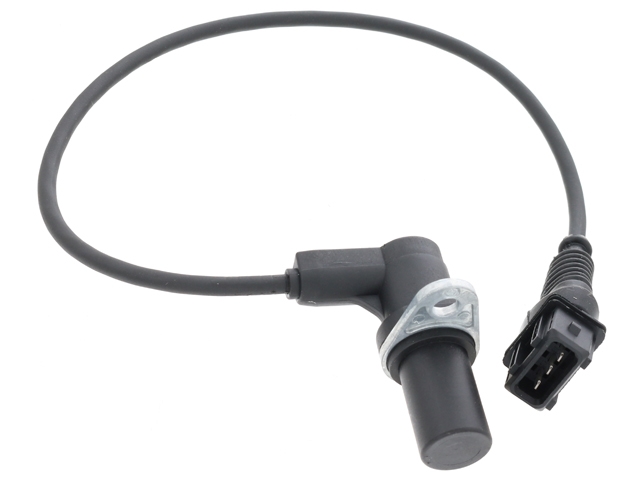


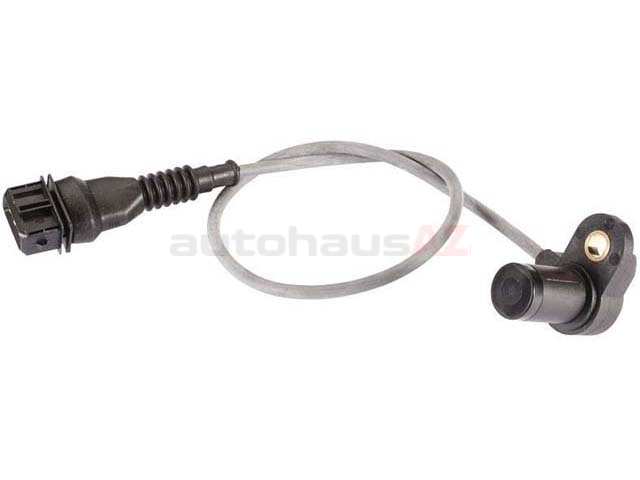
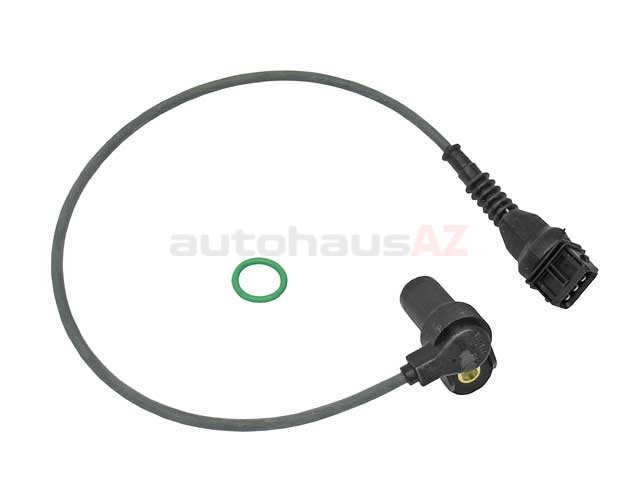
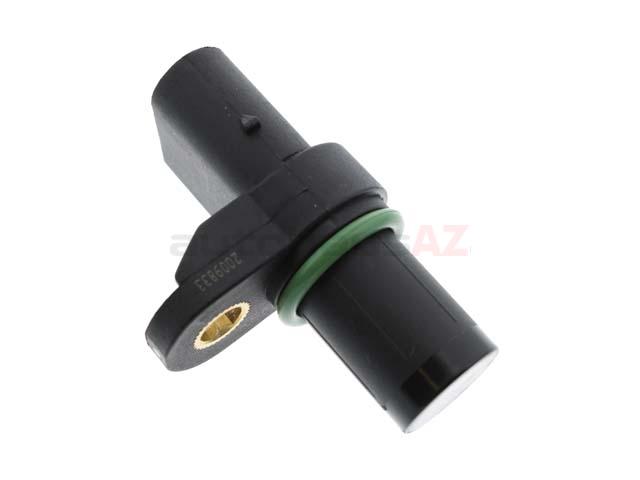
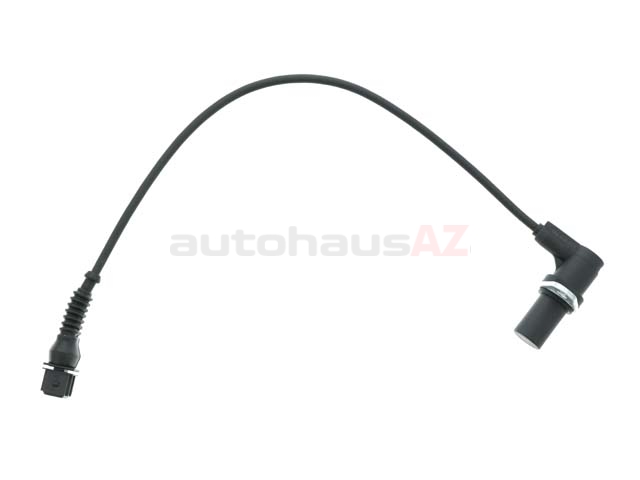
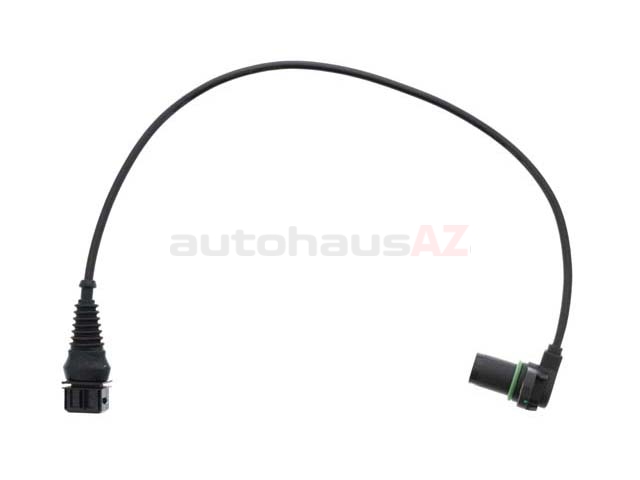
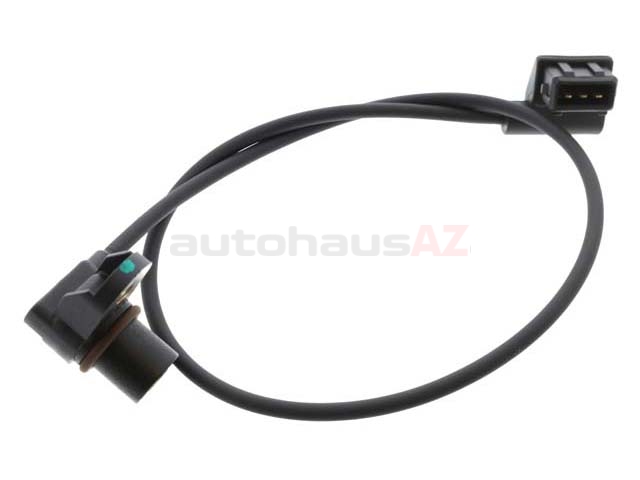
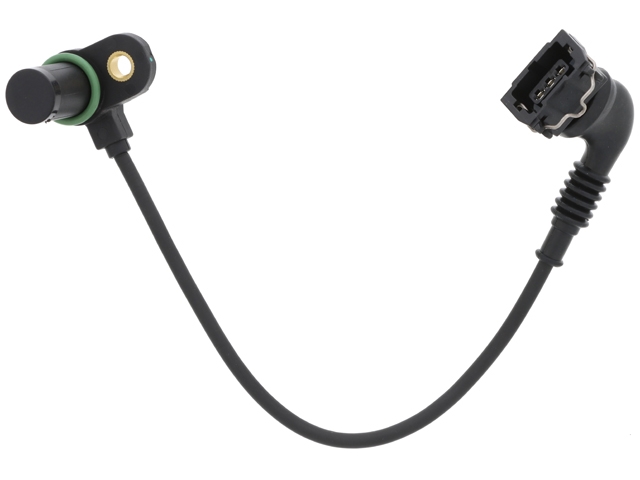
Based on industry averages you can expect to pay between $4.89 and $95.99 for a BMW Z3 camshaft position sensor.
What Are The Symptoms Of A Failing BMW Z3 Camshaft Position Sensor?
A bad BMW Z3 camshaft position sensor can give you trouble in different ways. Some drivers start to notice the engine stumbles at idle or cuts out without warning. The car might be hard to start, taking a few tries before the engine turns over. It’s not unusual for the check engine light to pop on either. Power may drop off, or you could feel a shake as you push the gas pedal. In certain moments, the Z3 goes into limp mode and refuses to drive at normal speed. If these warning signs show up, don’t wait—let a tech have a look or swap out the sensor before small problems become expensive repairs.
Where Is The BMW Z3 Camshaft Position Sensor Located?
The BMW Z3 camshaft position sensor sits on the cylinder head, right near the front of the motor. Most Z3s hide the sensor beneath the intake manifold, so you may have to loosen or remove some parts to reach it. You’ll see a small electrical plug and a single bolt holding the sensor in place. Space gets kind of tight in there, so have a socket set and maybe an extension handy. If you haven’t done the job before, a repair manual or a decent photo helps give you a better idea of where everything is hiding under the hood.
How Do You Test A BMW Z3 Camshaft Position Sensor?
Start with an OBD-II scanner. Plug it in, scan for codes, and see if the sensor shows up as the problem. Next, pop the hood and check the wiring harness—look for broken wires or any signs of dirt and oil. If the connections are clean, pull out a multimeter and check resistance at the sensor’s pins, matching the numbers with what the factory manual lists. You might also test the voltage while the starter cranks. A solid, steady signal means the sensor works. Numbers out of range, or a dead meter, usually point to a sensor that’s about done for.
What Causes A BMW Z3 Camshaft Position Sensor To Fail?
Heat beats up on the BMW Z3 camshaft position sensor day after day. As the engine runs, it cooks the sensor, which breaks it down after enough years. Oil leaks spell trouble, too. When oil seeps through worn seals, it can drown the sensor and hurt performance. Electrical issues, like corroded wiring or a lousy ground connection, come up once in a while. Sometimes it’s just old age and the part gives out. Keeping leaks in check and the engine bay tidy can stretch the life of your sensor by a few years.
How Do You Replace A BMW Z3 Camshaft Position Sensor?
First, pull off the negative battery cable so you don’t short anything out. Find the sensor, then unplug the electrical connector. Use a ratchet and the right socket to get out the old bolt. Sometimes the BMW Z3 camshaft position sensor sticks from years in place—if so, wiggle it a bit until it breaks loose. Drop the new sensor into place, bolt it down, and plug in the wire. Hook the battery up again, clear any codes with a scanner if needed, and fire up the engine to check your work. Most people finish this job in under an hour with just a few tools.
Why Buy Your BMW Z3 Camshaft Position Sensor From AutohausAZ?
When you’re shopping for a camshaft position sensor for your BMW Z3, you want something that works and doesn’t cost a fortune. At AutohausAZ, we get it. We cut prices and keep things simple—there’s no confusing checkout or wild markups. Your part ships out right away, because waiting for a small package is more frustrating than the repair itself. If you get the wrong item, no worries; our returns go back easily without hoops to jump through. We like honest deals, sharp prices, and treating customers the way we’d want if we were fixing our own Z3. That might be why drivers come back again and again, whether they need a cam sensor or something else for their car. We don’t just want to sell you a part; we want the process to go smoothly from order to install.